History & Search Launcher
Sidebar History
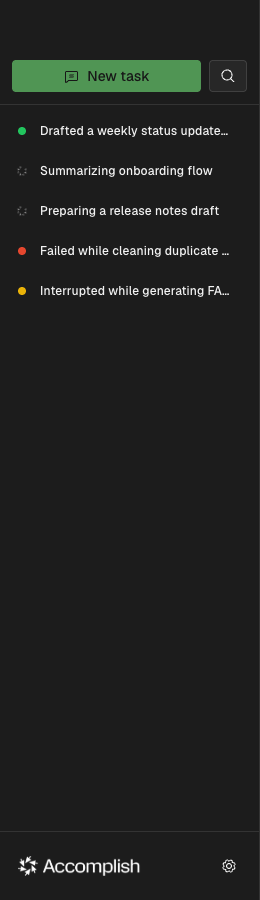
The left sidebar stores task history so you can revisit prior executions, inspect status, and jump back into context.
Task Launcher (Cmd/Ctrl+K)
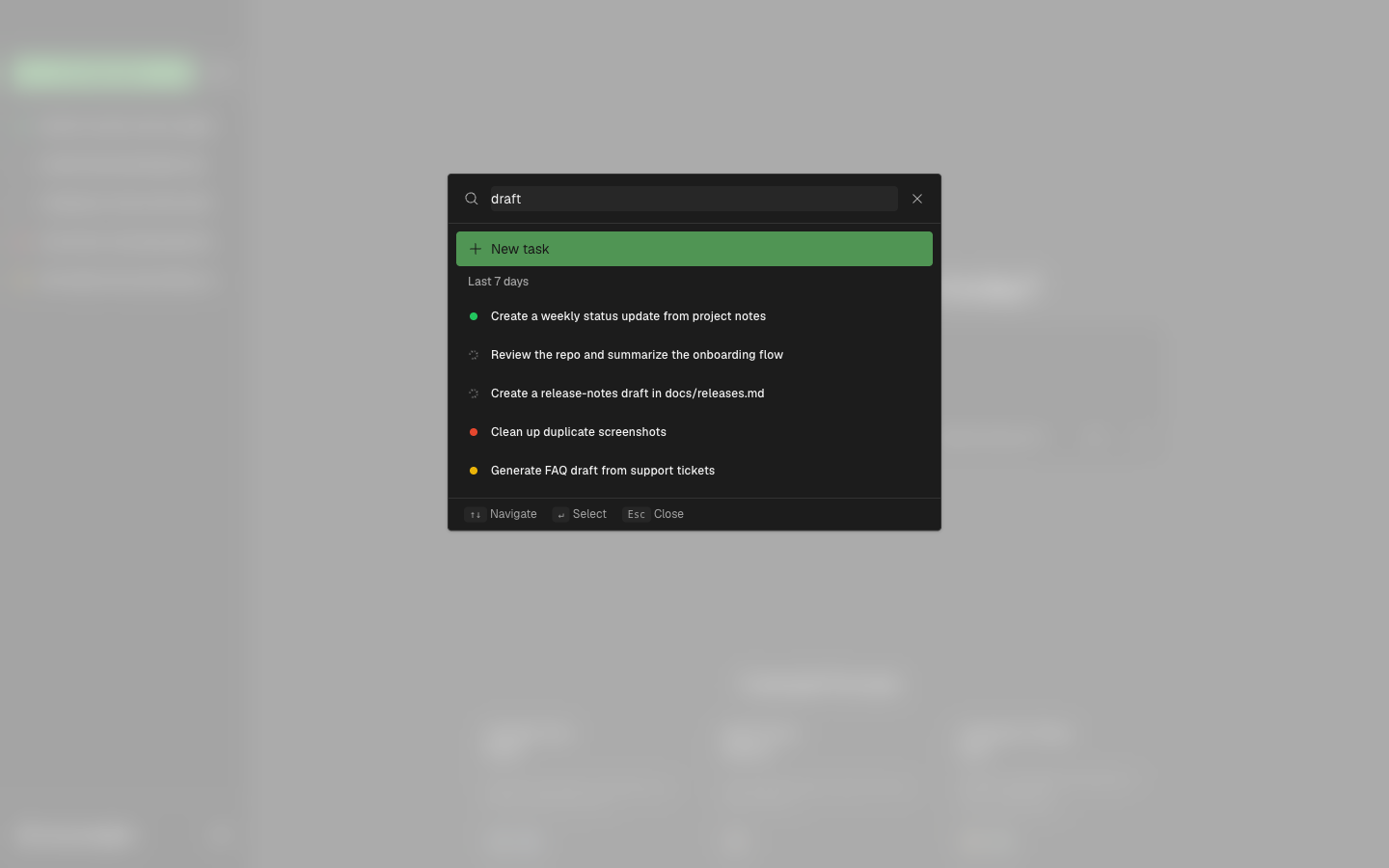
Use the launcher to search tasks by prompt text and quickly navigate to a previous task. You can also start a new task directly from the launcher.
Notes
- The launcher is useful when you remember part of a prompt but not the task ID.
- Completed and interrupted tasks can be reopened for review or continuation, depending on session availability.