Running Tasks
Execution View Overview
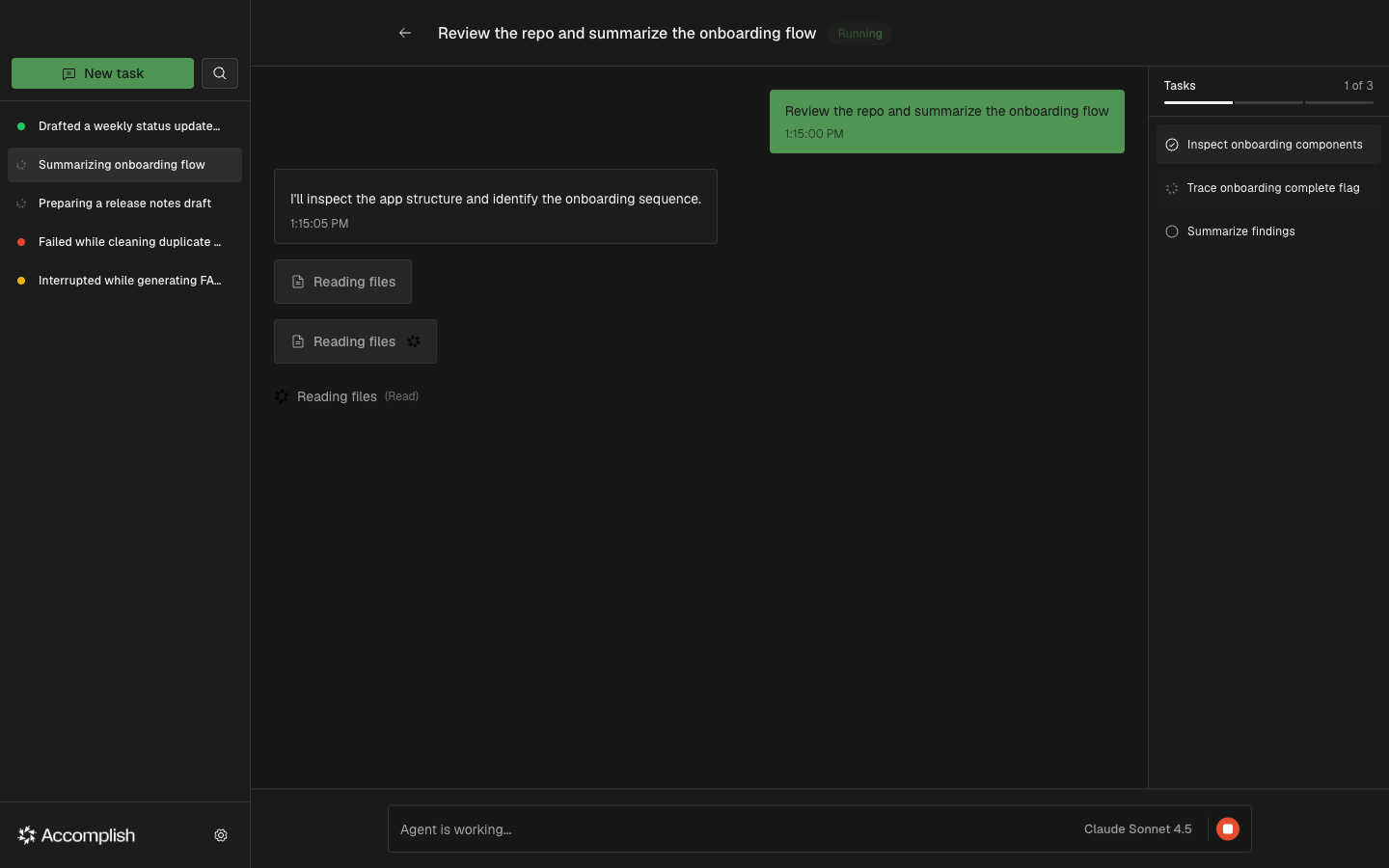
The execution view shows the conversation, tool activity, and task status in one place.
While Running
During an active task, you will see:
- Message stream (user / assistant / tool messages)
- Tool progress indicator when the agent is using a tool
- Stop button to interrupt the agent
- Model indicator for the active model
Completed Tasks and Follow-Ups
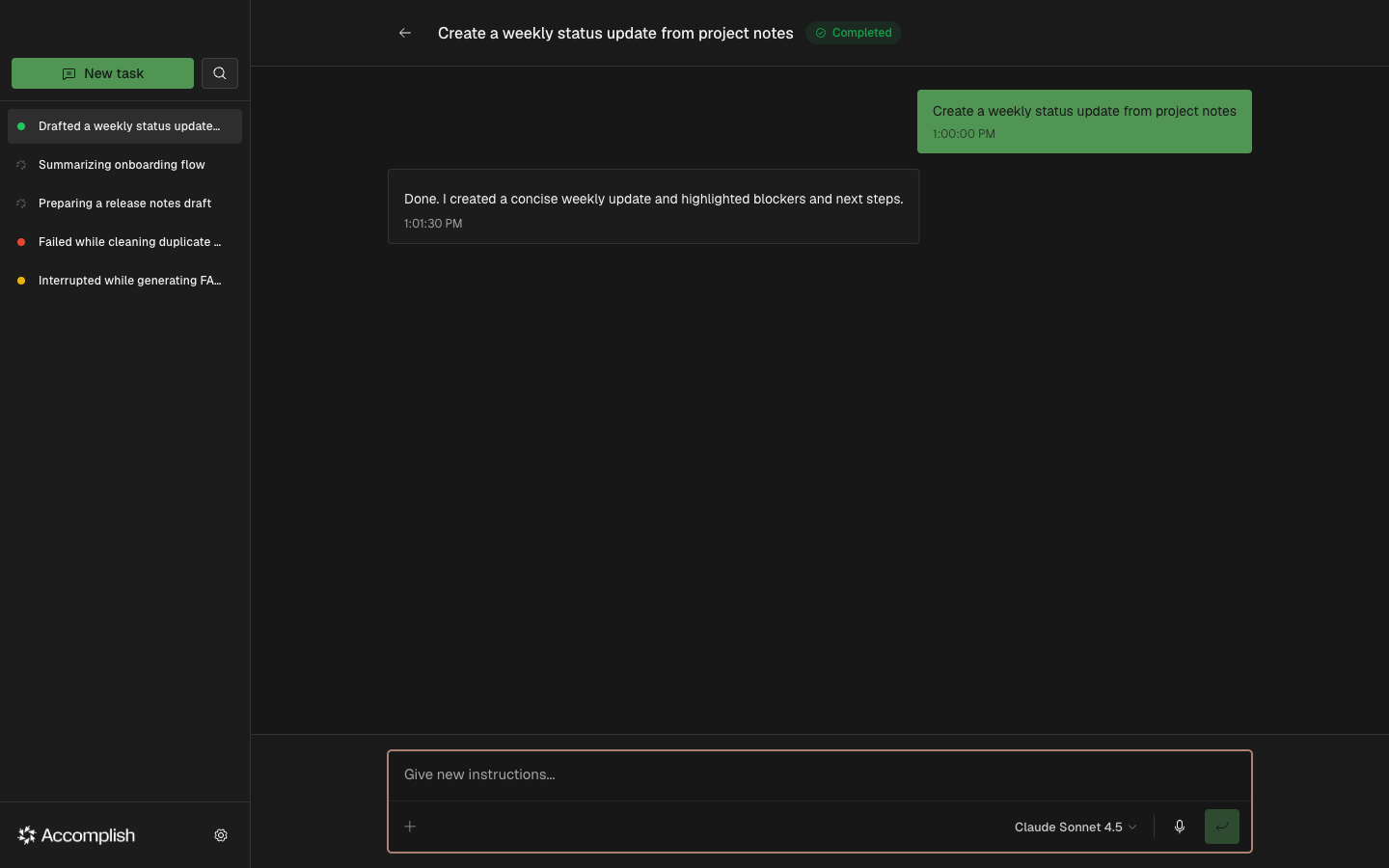
When a task completes with a resumable session, Accomplish shows a follow-up input so you can continue the same workflow.