Approvals & Permissions
Why Accomplish Prompts for Approval
Accomplish is designed to act locally on your machine, but it does not silently perform sensitive actions. For file and other risky operations, it asks for approval before proceeding.
Local-first does not mean automatic writes. You still control when file operations are allowed.
File Permission Requests
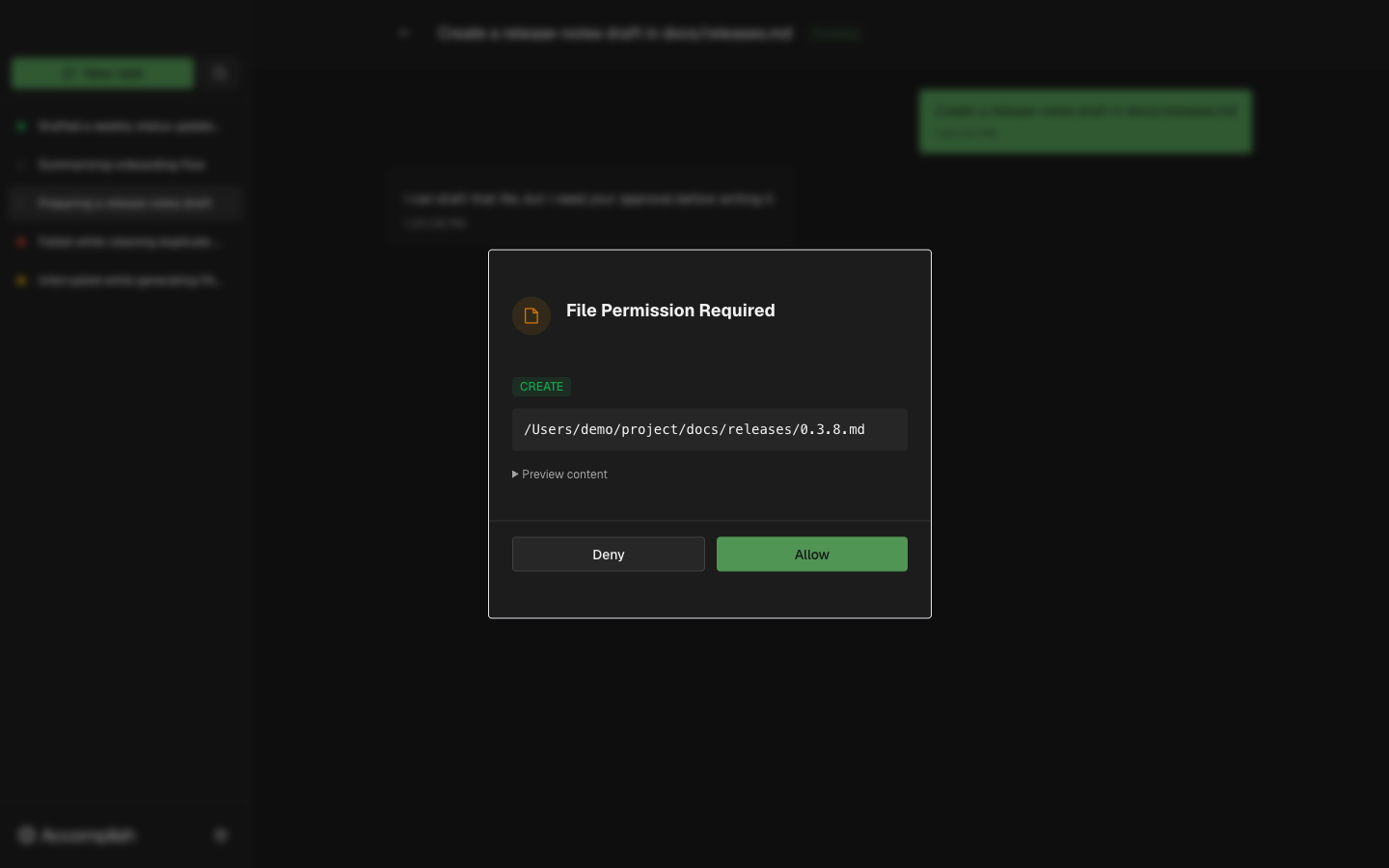
When a task needs to create, modify, move, or delete files, the execution view opens a permission dialog with the operation and path details.
Best Practices
- Read the target file path before approving.
- Review content preview (when available).
- Deny the request if the location or operation is not what you intended.
- Refine your prompt and rerun if needed.