FAQ & Troubleshooting
FAQ
Why can’t I start a task?
You likely do not have a ready provider yet. Open Settings → Providers and make sure at least one provider is connected and has a model selected.
Why am I seeing approval prompts?
Accomplish asks for approval before performing potentially sensitive actions (especially file writes/changes). This is expected behavior.
Can I use local models?
Yes. Configure a local provider (such as Ollama or LM Studio) in Settings → Providers.
How do I continue a previous task?
Open the task from the sidebar or use the launcher (Cmd/Ctrl+K) to search for it. If the task has a resumable session, you can send a follow-up.
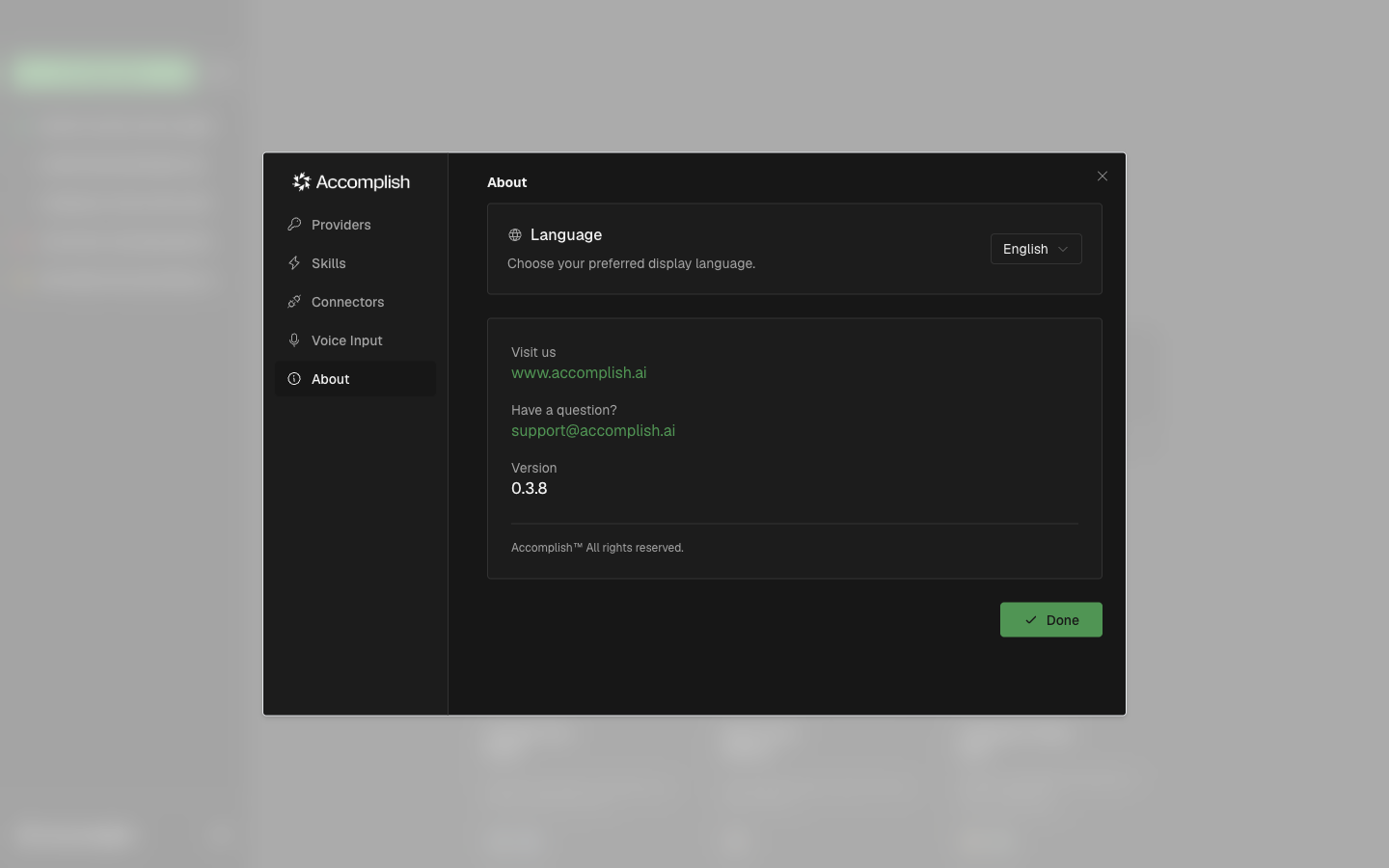
About Tab (Version & Support Info)
The About tab in Settings includes the app version, support contact, and site links.
Troubleshooting Checklist
- Confirm a provider is connected and a model is selected.
- Reopen the task in the execution view and inspect the latest messages.
- Review permission prompts carefully and retry with a clearer prompt if needed.
- Check connectors/skills configuration if your prompt depends on them.