Privacy & Local-First Behavior
Local-First Core Model
Accomplish runs on your machine and works with your local files and local UI.
What typically stays local
- Your project files (unless you explicitly ask the agent to use an online tool or provider)
- Task history stored in the app
- Local model execution (when using local providers)
What may leave your device
- Prompts/content sent to your chosen AI provider (OpenAI, Anthropic, Google, etc.)
- OAuth traffic for configured connectors
You choose the provider. Accomplish uses your credentials and does not require an Accomplish-managed AI subscription.
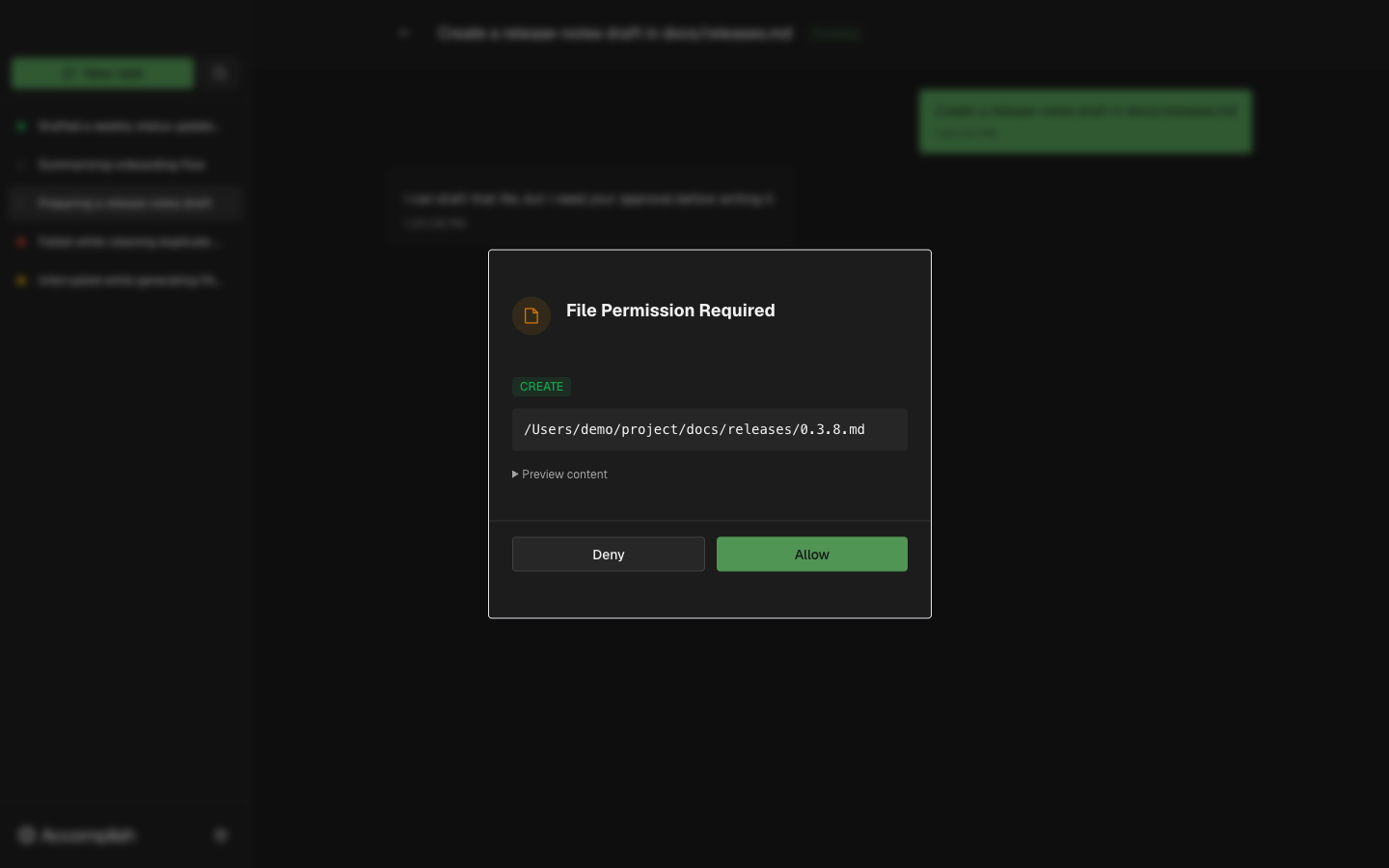
User Approvals Matter
Even though the app runs locally, sensitive actions can still affect your files. File operations are shown in permission dialogs before execution.