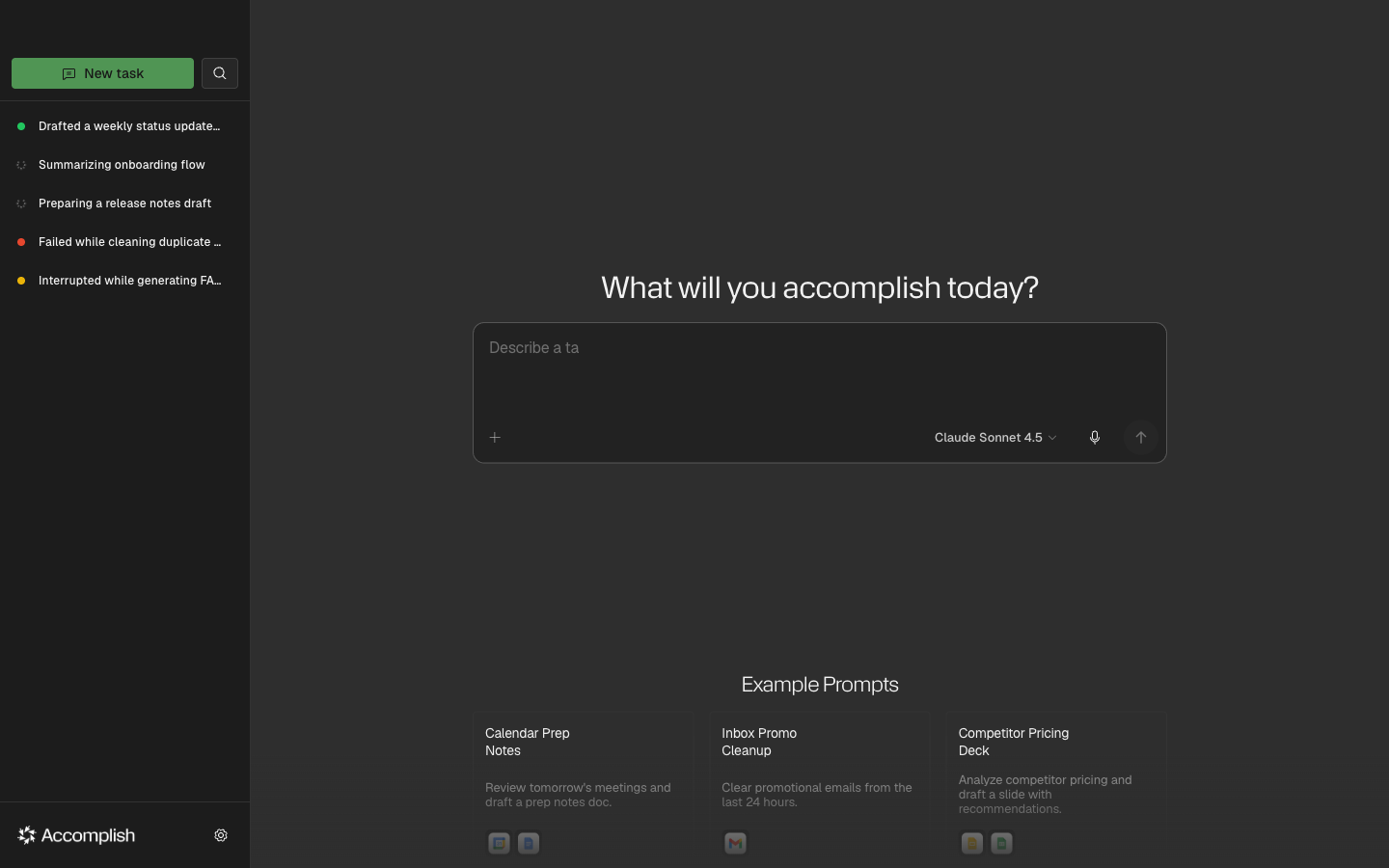
Home Screen
What You Can Do From Home
- Enter a natural-language task prompt
- Pick an example prompt and edit it
- Open the plus menu for skills and connector shortcuts
- Open settings for providers, skills, connectors, and voice input
Plus Menu
The plus menu next to the prompt input lets you insert skills and use connector shortcuts without leaving the prompt.
Tips
- Use example cards as templates, then edit the prompt.
- If a task needs tools or file access, expect follow-up approvals in the execution view.
- If the app asks for setup, open Settings and complete a provider configuration.