Connectors (MCP)
Connectors Tab
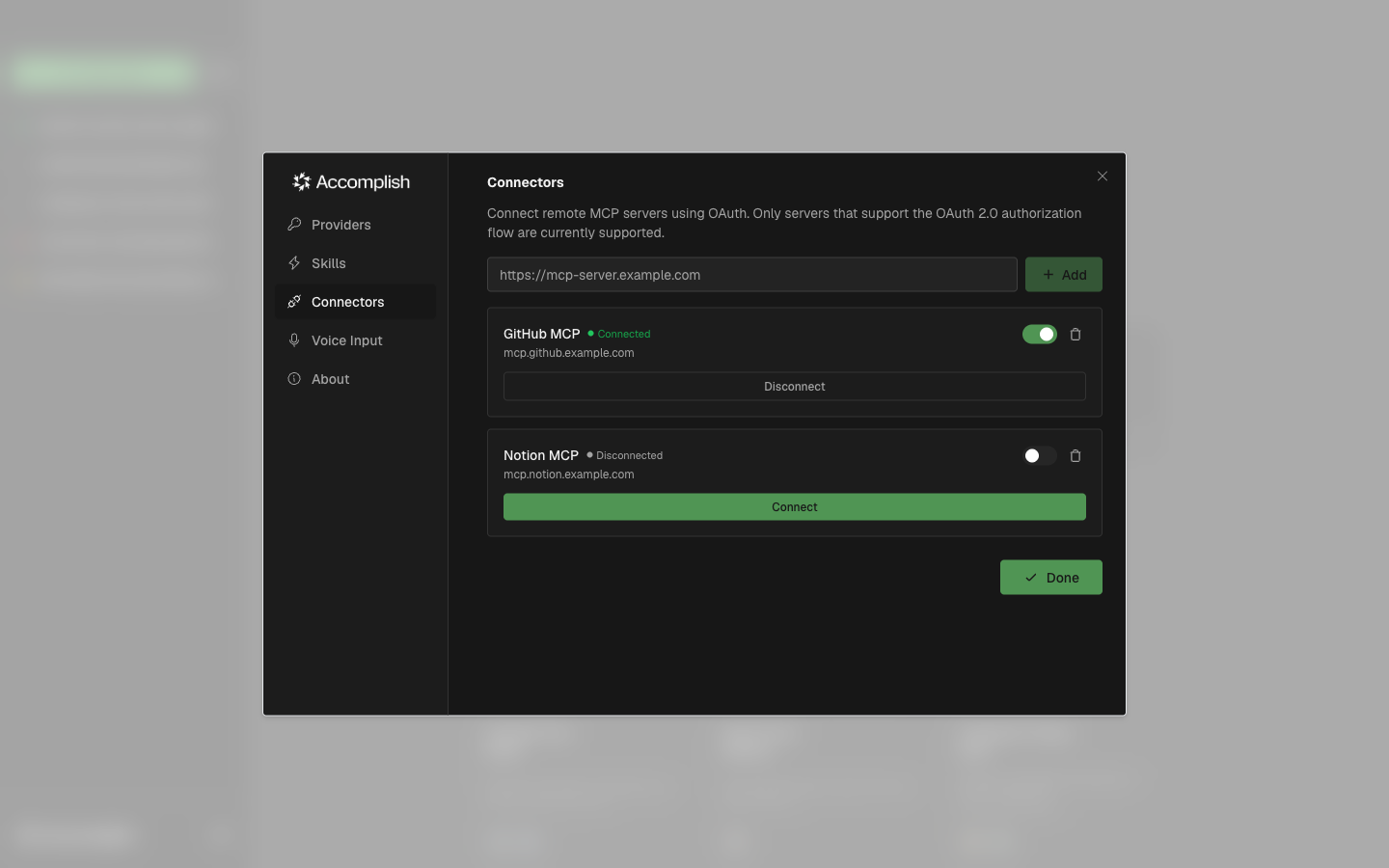
The Connectors tab lets you add remote MCP servers and manage OAuth-based connections.
What You Can Do
- Add an MCP server by URL
- Start OAuth sign-in
- Enable/disable a connector
- Disconnect or remove a connector
Notes
- Only OAuth-capable remote MCP servers are supported in this flow.
- Connector shortcuts can appear in the home screen plus menu once configured.