Getting Started
Quick Setup Flow
- Install Accomplish for your platform.
- Open Settings.
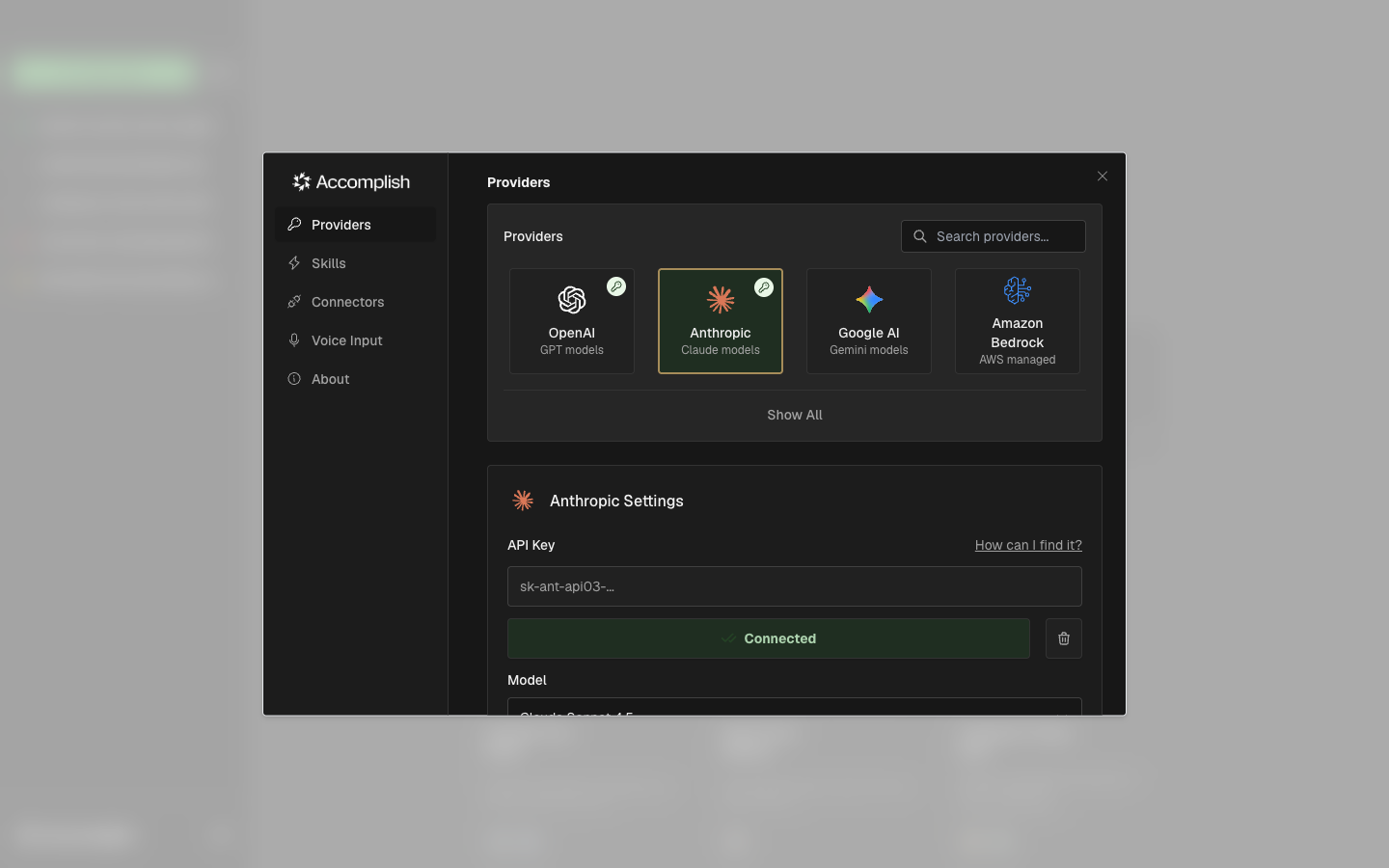
- Connect a provider and pick a model.
- Return to the home screen and enter a task.
Providers Required
Accomplish needs at least one ready provider (connected + model selected) before it can run tasks.
Local Models Supported
You can also configure local providers like Ollama or LM Studio instead of cloud APIs.
Open Settings
Use the gear icon in the left sidebar to open Settings. The Providers tab is where you connect an API-based or local model provider.
Run Your First Task
After a provider is ready, return to the home screen and enter a task prompt. Accomplish will start a new execution session and move you to the execution view.
See also: Home Screen and Running Tasks.