Providers & Models
Providers Tab
The Providers tab in Settings is where you configure model access for Accomplish.
You can connect:
- Cloud providers (OpenAI, Anthropic, Google, xAI, etc.)
- Platform providers (Bedrock, Vertex, Azure AI Foundry)
- Proxies (OpenRouter, LiteLLM)
- Local providers (Ollama, LM Studio)
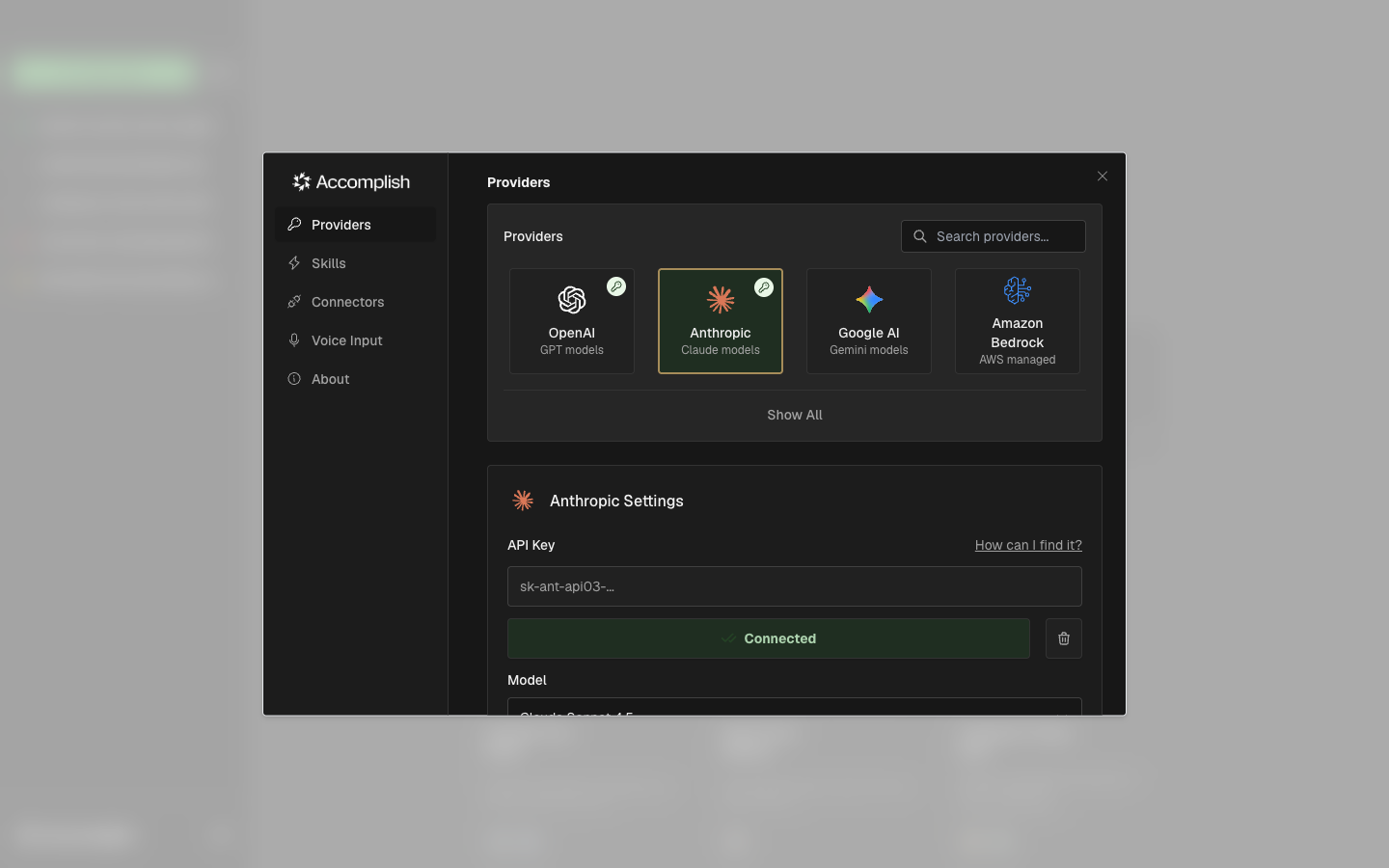
Active Provider vs Connected Provider
- Connected means credentials are configured.
- Ready means credentials are configured and a model is selected.
- The active provider is the model provider Accomplish will use for new tasks.
Tips
- If Accomplish asks you to configure a model, return here and pick a model from the dropdown.
- For local providers, make sure the local server is running before testing the connection.